
Foundation
Clean editorial layouts with generous photos, a services list, reviews, hours and a contact form. A calm starting point for any local business.
Professional & Financial Services
People look for a lawyer at a stressful moment and judge quickly: does this firm handle my kind of problem, can I trust them, and how do I talk to someone today? A law firm website should answer all three on the first screen. Ours lay out your practice areas clearly, introduce your attorneys with photos and bios, and invite visitors to a free consultation through a contact form or booking link. Case results can appear with the disclaimer your state requires, and an attorney-advertising notice sits in a disclaimer block. Plain-English FAQs answer the questions clients are afraid to ask on the phone.
Free to build. Go live on your own domain from $10/month.
Each one opens with sample pages written for a lawyer. Swap in your own words and photos, or start from scratch.
Clean editorial layouts with generous photos, a services list, reviews, hours and a contact form. A calm starting point for any local business.
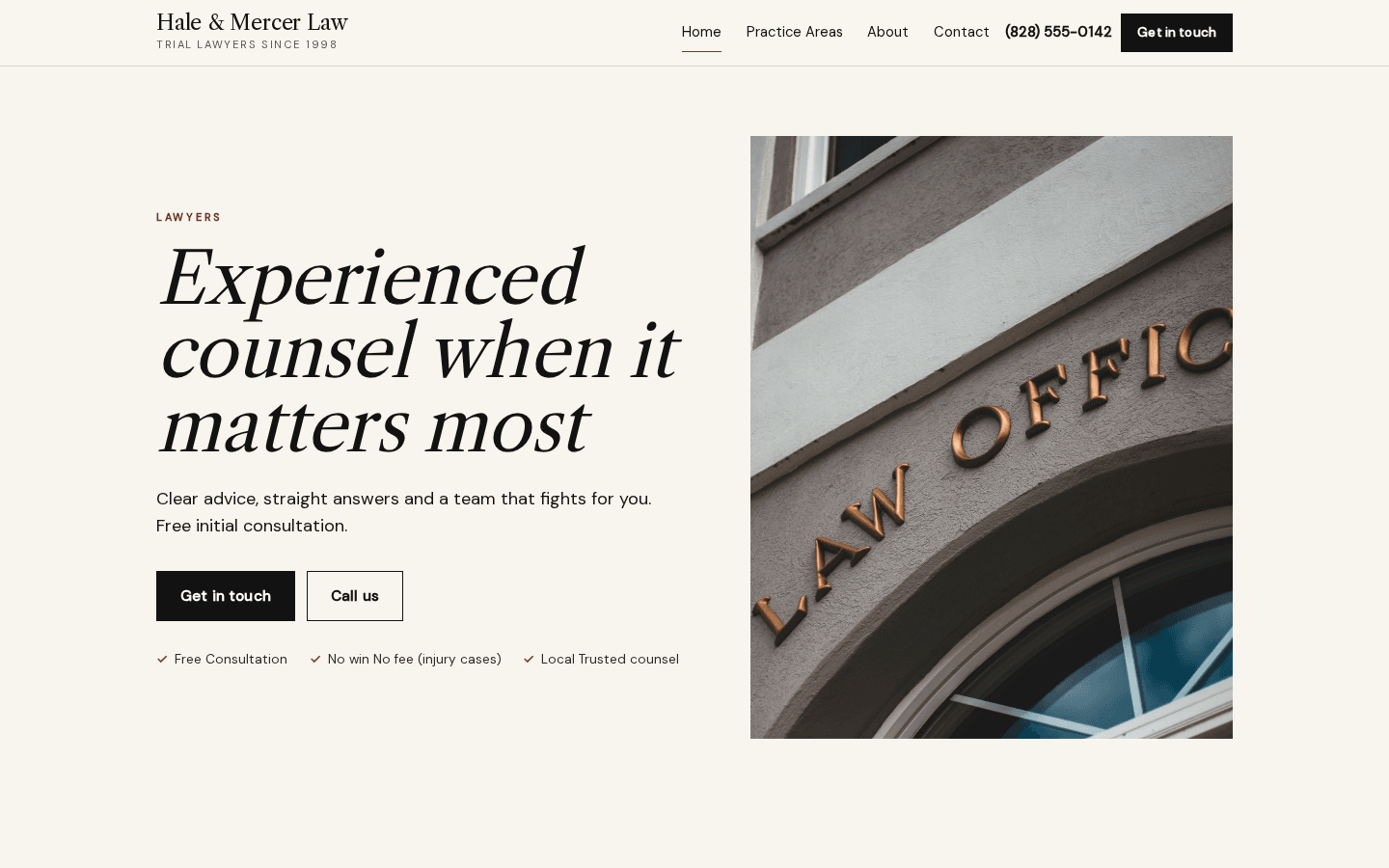
Ivory, black and oxblood with a classic book face. Text sets into justified columns with fine rules, and results carry their disclaimer.

Dark navy and gold with a high-contrast serif. Case results count up large, and a free case review sits on every page.
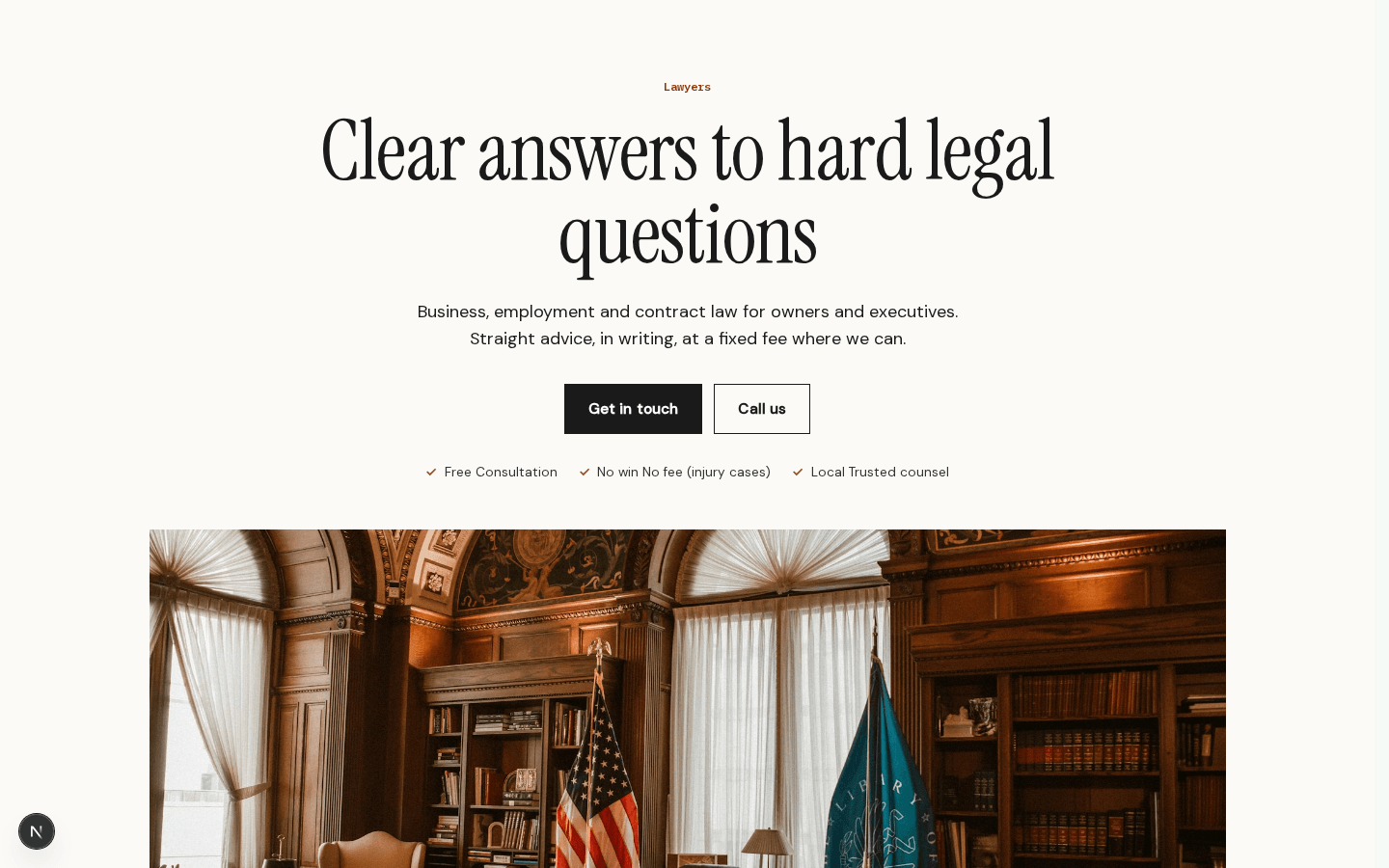
Editorial, with wide margins and an oxblood accent. Footnote numbers slide out into the margin as you hover over each answer.

Warm terracotta with a soft serif. A pen underline draws itself under the headline; family and immigration services and an intake form follow.
Each area of law with a short, plain-English description.
Photos, roles and backgrounds for each lawyer.
A contact form or booking link for first conversations.
Results in numbers with the required disclaimer underneath.
A disclaimer block for the notices your bar requires.
Answer fees, timelines and what happens next.
Choose lawyer in Guided Setup and your pages are already filled in for your kind of business. Change any of it. Starting prices are typical figures, and the editor reminds you to set your own before you publish.
6 services written out for lawyers, with typical starting prices: Personal injury, Family law, Estate planning and more.
3 ready-made plans showing what's included: Will package, Trust package, Couples trust.
Free consultation → A clear fee agreement → We handle it.
Set up with example entries for you to replace with your own.
Case result cards with your disclaimer built in. The examples stay hidden on your live site until you add your own.
6 questions lawyers get asked, already answered in plain English.
When you choose lawyer in Guided Setup, your site starts with these sections already in place and filled with sample text written for your trade. Move them, hide them or add any of 29 section types.
Search engines can read every page. Your pages are sent as real text, not drawn by scripts after they load, so search engines see exactly what customers see.
Google knows what you are. Each site tells search engines it's a lawyer business, with your address, phone, hours and the towns you serve, in Google's standard format.
A page for every town. Add the areas you serve and each gets its own page and a place in your sitemap once you've written a few lines about your work there.
Yes. The results section shows figures with a disclaimer line, such as "Prior results do not guarantee a similar outcome". Check your state's advertising rules for exact wording.
Yes. The disclaimer section appears wherever you place it, including on every page you choose.
Yes. Use the contact form, or add your scheduling link for a booking calendar.
Your starter disclaimer already says it doesn't, and you can edit the wording.
Building is free, with every template and feature unlocked while you work. You only pay when you put the site live on your own domain, from $10/month. If you'd rather not write it yourself, add copywriting during setup and we write your About, Services and FAQ text.
Yes. Click any headline or photo in the live preview to change it, or use the simple panels beside it. Add, reorder or hide sections, change your hours or prices, and see every change before you save, from a computer or a phone.
Answer a few questions and your site is built as you go. Free to build; go live from $10/month.
Start building free