
Foundation
Clean editorial layouts with generous photos, a services list, reviews, hours and a contact form. A calm starting point for any local business.
Professional & Financial Services
Choosing a financial advisor is about trust and fit: people want to know who you work with, how you're paid and whether you'll explain things clearly. A financial advisor's website should answer those questions plainly and make the first meeting easy to book. Ours introduce you and your approach, set out your services from retirement planning to investment management, and show your credentials and fiduciary status in a trust bar. Visitors book a free first meeting through your scheduling tool, educational articles fit text sections, and the disclosures your firm requires sit in a disclaimer block at the foot of every page.
Free to build. Go live on your own domain from $10/month.
Each one opens with sample pages written for a financial advisor. Swap in your own words and photos, or start from scratch.
Clean editorial layouts with generous photos, a services list, reviews, hours and a contact form. A calm starting point for any local business.

White and deep teal with a clean geometric sans. Growth curves draw themselves across the hero; numbers count up in the results.

Navy and warm sand with a classic book face. A calm water line rises at the foot of the hero; cover options sit in clear cards.
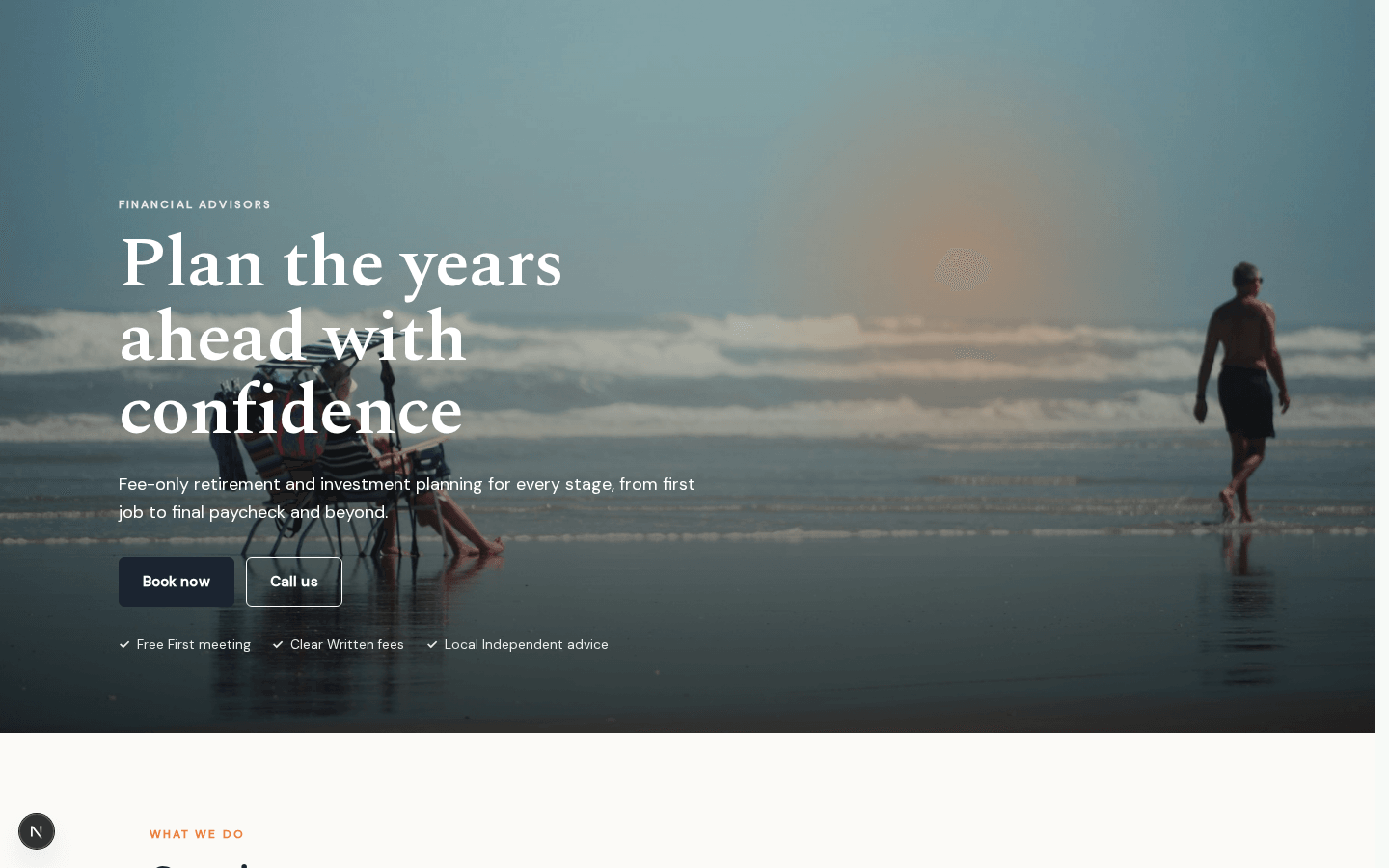
Calm navy and white with a sunrise accent used sparingly. A horizon line under each heading widens as that stage of life scrolls past.

Bright and friendly in navy and sunshine yellow. Policy cards slide over one another like layers of cover.
Retirement, investments, insurance and planning in plain words.
CFP, fiduciary status and registrations in a trust bar.
Your scheduling tool embedded on the page, or a Book button.
A section on the clients you serve best.
A disclaimer block for regulatory text on every page you choose.
Advisors and staff with photos and bios.
Choose financial advisor in Guided Setup and your pages are already filled in for your kind of business. Change any of it. Starting prices are typical figures, and the editor reminds you to set your own before you publish.
6 services written out for financial advisors, with typical starting prices: Free first meeting, Financial plan, Ongoing planning and more.
3 ready-made plans showing what's included: One-time plan, Ongoing planning, Wealth management.
Introductory meeting → Your financial plan → Put it in place → Regular reviews.
CFP® professional, Chartered Financial Consultant (ChFC®), Fiduciary financial advisor, Investment adviser representative, as an example list the editor asks you to check.
6 questions financial advisors get asked, already answered in plain English.
When you choose financial advisor in Guided Setup, your site starts with these sections already in place and filled with sample text written for your trade. Move them, hide them or add any of 29 section types.
Search engines can read every page. Your pages are sent as real text, not drawn by scripts after they load, so search engines see exactly what customers see.
Google knows what you are. Each site tells search engines it's a financial advisor business, with your address, phone, hours and the towns you serve, in Google's standard format.
A page for every town. Add the areas you serve and each gets its own page and a place in your sitemap once you've written a few lines about your work there.
Yes. The disclaimer section holds whatever text your compliance team requires, on as many pages as you like. Have them review your site before it goes live.
Yes. Add your booking link and use a booking section on any page.
Yes. Many advisors add it to the FAQ so it's clear before the first meeting.
Yes. Add pages with text sections for guides and explainers.
Building is free, with every template and feature unlocked while you work. You only pay when you put the site live on your own domain, from $10/month. If you'd rather not write it yourself, add copywriting during setup and we write your About, Services and FAQ text.
Yes. Click any headline or photo in the live preview to change it, or use the simple panels beside it. Add, reorder or hide sections, change your hours or prices, and see every change before you save, from a computer or a phone.
Answer a few questions and your site is built as you go. Free to build; go live from $10/month.
Start building free